
DirectX 9.0c
DirectX 9.0c is an older version of Microsoft's multimedia and graphics APIs that many classic Windows games still need to run.
95.6 MB

ReiBoot is a Tenorshare utility for Windows that puts an iPhone or iPad into or out of recovery mode and repairs common iOS system problems.
Average 0.0 · ratings: 0
Thank you! Your rating is saved; you can change it. Could not save the rating. Please try again later. Too many ratings from your network today. Please try again tomorrow. The average appears after 5 ratings.
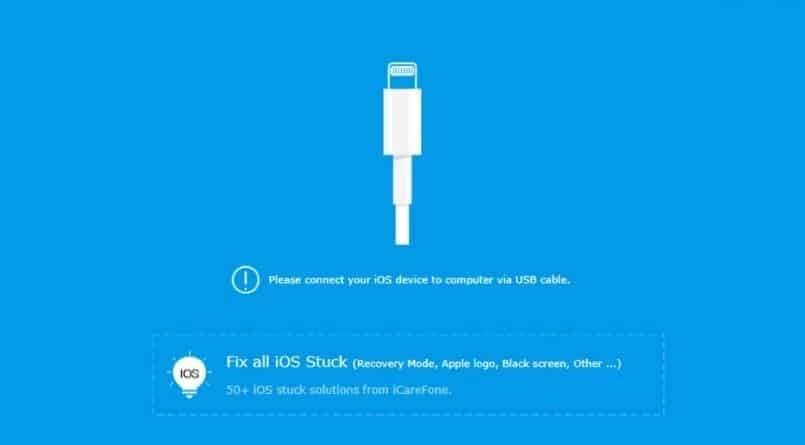
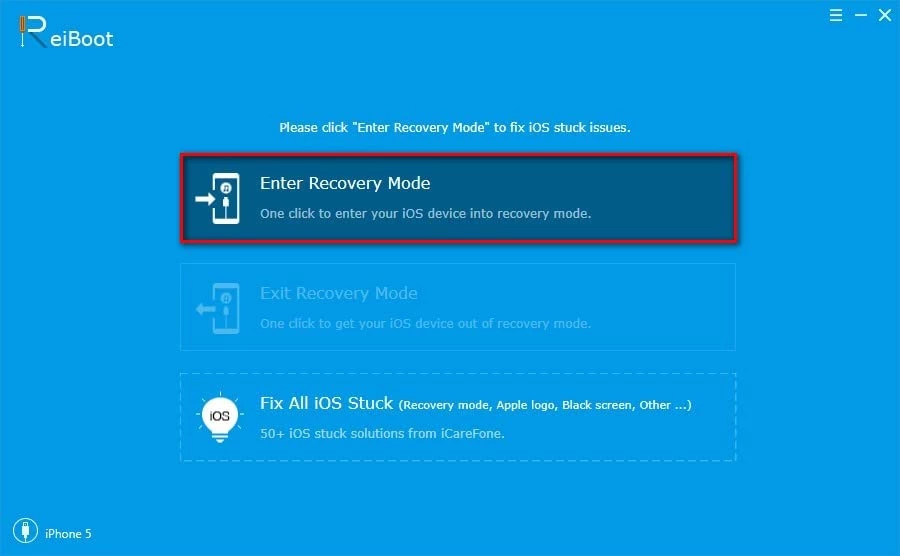
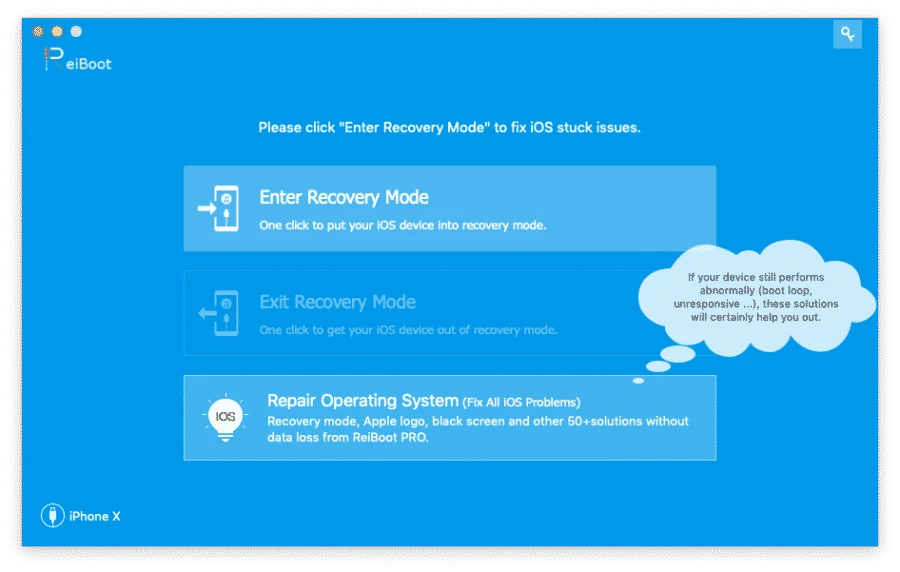
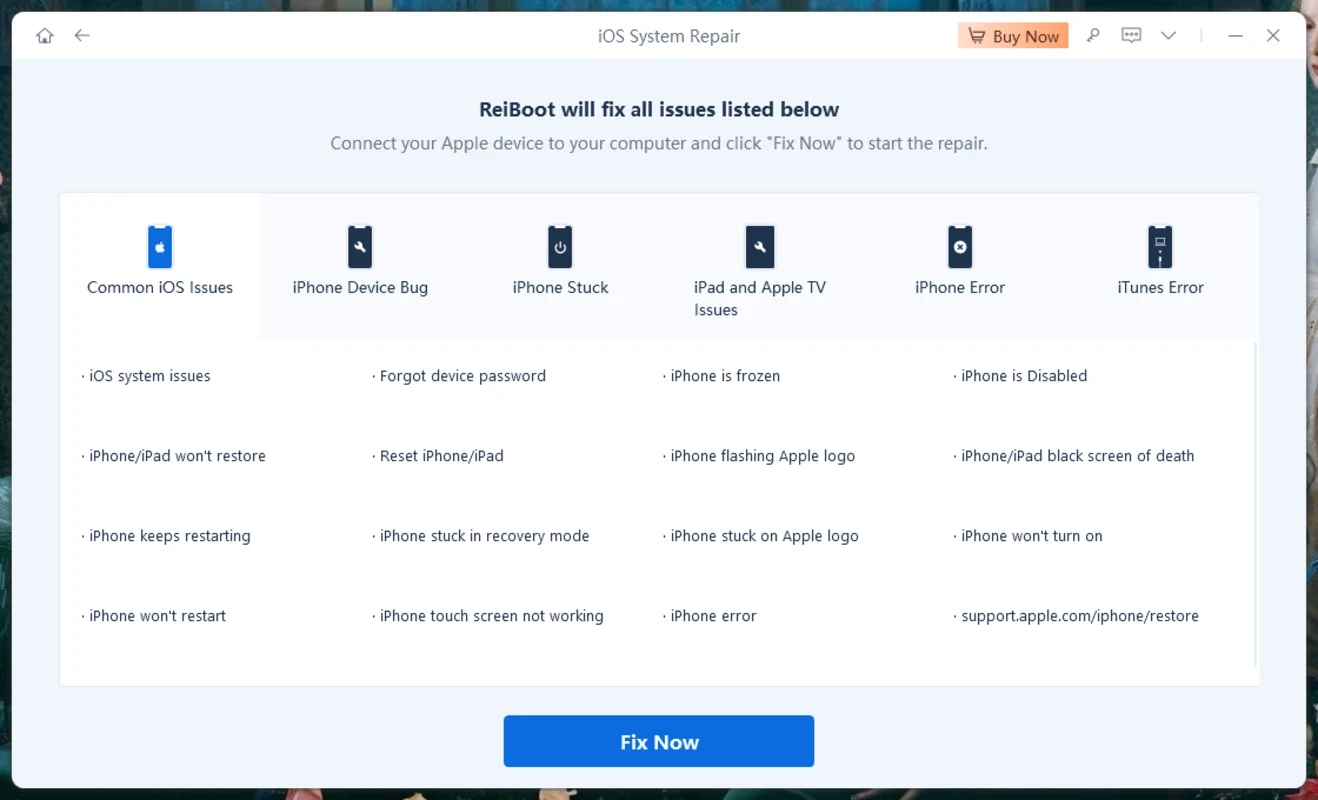
ReiBoot 9.5.12.1 is a Windows utility from Tenorshare for fixing iPhone and iPad system problems, such as a device stuck on the Apple logo, a boot loop or a black screen. You download ReiBoot on a PC, connect the device by cable and let the program enter or exit recovery mode or reinstall iOS.
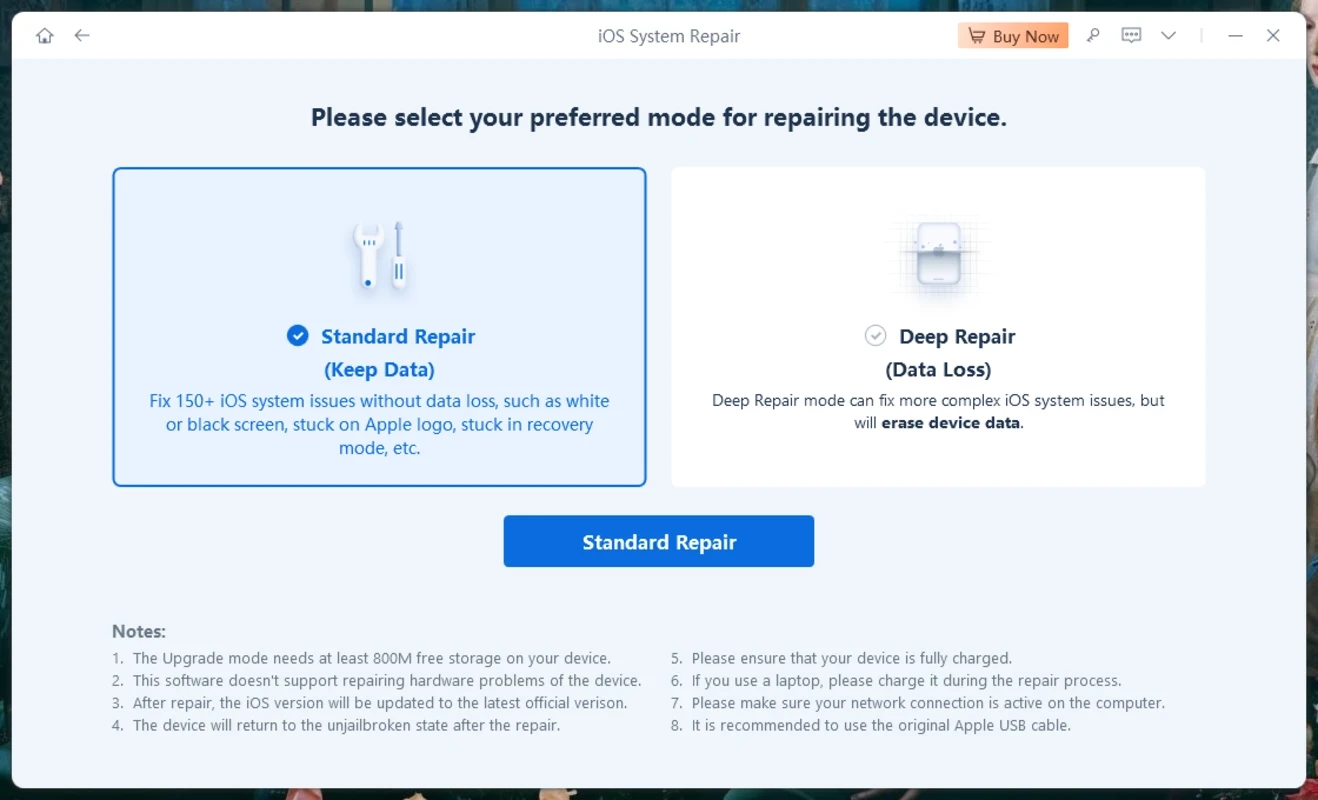
When an iOS update fails or a device freezes during startup, Apple's own answer is to put it into recovery mode and restore it with Finder, iTunes or the Apple Devices app, often erasing everything. Getting into recovery mode requires a button combination that differs between models, and the restore can end in cryptic error codes. ReiBoot wraps these steps in a simpler interface. With one click it puts the connected device into recovery mode or takes it out again, which alone solves some freezes. Its standard repair downloads a matching iOS firmware and reinstalls the system while trying to keep your data; a deep repair goes further and erases the device. The tool can also downgrade from an iOS beta to the release version, and the developer describes additional repair and upgrade functions for macOS. It is a third-party program, not an Apple product, so results depend on the exact problem.
Tenorshare's tech specifications list Windows 11, 10, 8.1, 8, 7 and XP, 512MB of RAM or more (1024MB recommended) and 200MB or more of free disk space. Firmware downloads need extra space and a stable connection.
Download ReiBoot only from tenorshare.com; cracked copies are widespread and risky. Repair tools work at a deep level, so a backup beforehand protects you from losing data. ReiBoot does not remove an Activation Lock: the Apple ID is still needed after repair.
Entering and exiting recovery mode is free. Standard and deep repair, as well as downgrade, require a paid licence; compare the plans on the official site before buying.
Other iPhone tools on our site are 3uTools, which also flashes firmware and shows device details, and iTools for file transfers and backups. For Samsung phones, Samsung Smart Switch is the official tool for updates and data transfer.
DirectX 9.0c is an older version of Microsoft's multimedia and graphics APIs that many classic Windows games still need to run.

DirectX 10 is a version of Microsoft's multimedia and graphics API that comes with Windows; older games may also need the DirectX End-User Runtime.

3uTools is a free Windows program for managing an iPhone or iPad from a PC, including files and device information.

Huawei HiSuite is Huawei's official PC suite for Windows and macOS for backing up, managing and updating Huawei phones and tablets.

DirectX 11 is a version of Microsoft's collection of multimedia and graphics APIs that Windows games and apps use to work with the graphics card and sound.

DirectX 12 is Microsoft's graphics and multimedia API for Windows. It is part of the system and updated through Windows Update and graphics drivers.

SamFirm is a free Windows tool that downloads and decrypts official Samsung firmware from Samsung's own update servers by model and region.

DriverPack Solution is a free Windows tool by Artur Kuzyakov that detects missing or outdated drivers and installs them from its own driver collection.